 MASSIV
The Best Apple Watch Lifting App in 2026
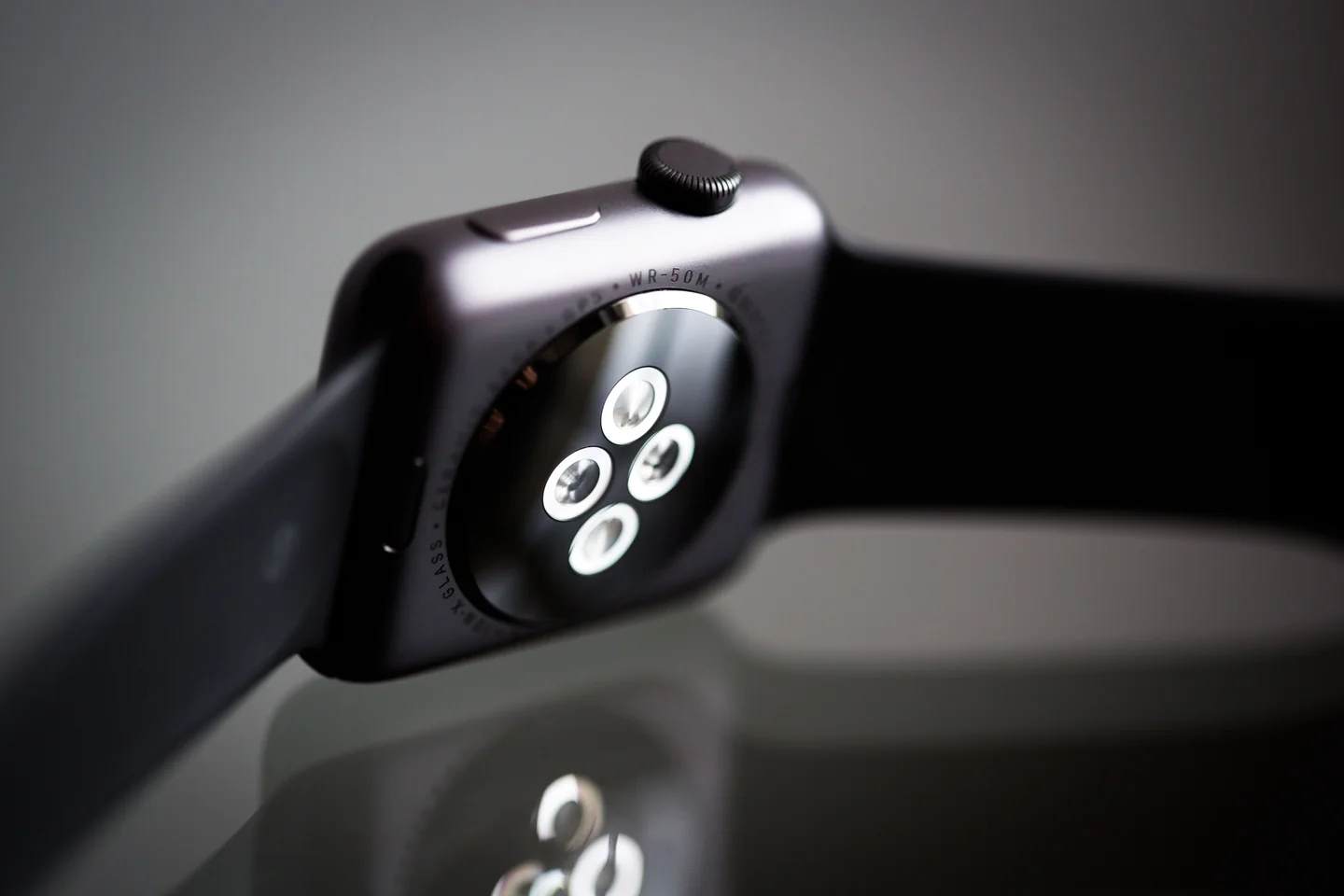
A useful Apple Watch lifting app lets you log weight and reps, see the next target, and run a rest timer without touching your phone between sets. Massiv starts the workout on iPhone, then lets you log from the wrist with Digital Crown input and a haptic rest timer. Watch set logging is free.
“Supports Apple Watch” alone does not tell you whether the watch can record a set. Compare the steps you actually take between lifts: adjust the load, log reps, check the previous result, and start rest. This guide shows those screens and a simple connection test.
What makes a watch app good for lifting
Check these specific things before choosing an app:
- Full set logging on the watch — mark a set done, log reps and weight, advance to the next set, all from the wrist. Not just a workout-start button that defers everything to the phone.
- A wrist rest timer with a haptic alert — the single most useful watch feature for lifting. A tap on your wrist when it's time for the next set means you never stare at a phone counting down.
- Rotary-crown (Digital Crown) input — adjusting reps or weight by spinning the crown is far faster than tapping tiny +/− buttons with sweaty fingers.
- Today's plan on the watch — seeing your target weight and reps for the next set without pulling out your phone.
- Reliable phone sync — sets logged on the watch should appear on the phone without a fight.
- HealthKit integration — workouts and calories written to Apple Health and your activity rings.
What to skip
Some "watch features" sound good and don't matter much for lifting:
- Continuous heart rate as a headline feature. It's fine to record, but HR isn't very actionable during heavy resistance training — don't choose an app for it.
- Auto rep-counting from wrist motion. Sounds magical, works inconsistently across exercises. Manual logging with crown input is faster and more accurate.
- A watch app that's just a timer. If it can't log your sets or show your plan, it's not really a lifting app on the wrist — it's a stopwatch.
Why the wrist matters specifically for lifting
Strength programs live and die on rest periods. Heavy sets need 2–5 minutes between them, and that's exactly when it's tempting to pick up your phone and lose ten minutes to a notification. A watch that buzzes when your rest is up — and lets you log the set you just did with a spin of the crown — keeps you in the session and gets you home faster. The longer your rest periods (think 5/3/1 or any strength-focused plan), the more a good wrist workflow is worth.
How to choose
Try this quick test on any app claiming watch support: once the session is running, can you log a full set and start your rest timer without touching your phone? If yes, it's a real Apple Watch lifting app. If it makes you reach for the phone between sets, it isn't — no matter what the store listing says. Also confirm it writes to Apple Health if your activity rings matter to you, and that watch-logged sets sync cleanly back to the phone.
How Massiv handles this for you
Start the session on your iPhone and wait for it to reach the watch. Then log sets, adjust reps and weight with the Digital Crown, see the previous result and next target, and run a rest timer with a haptic alert from your wrist. If the connection drops, the watch keeps the logged sets and sends them to the phone on reconnect. With the Apple Health setting enabled, Massiv writes the completed workout there. Automatic progression is a Pro feature after its 30-day free preview; the watch still logs sets without it.
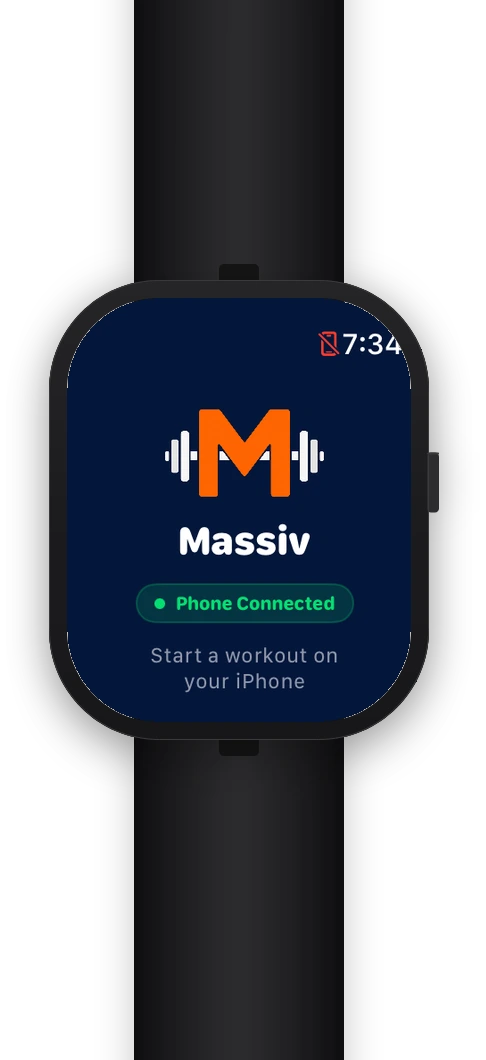
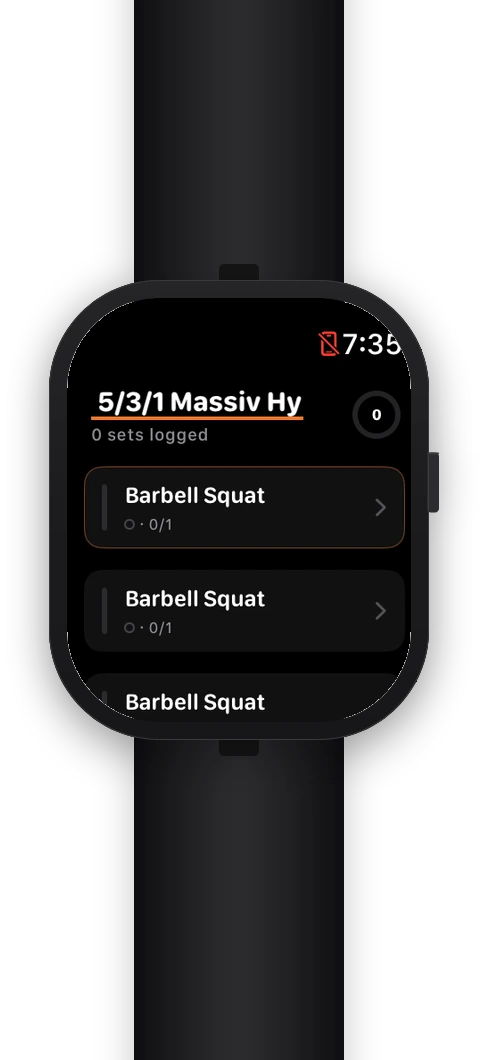
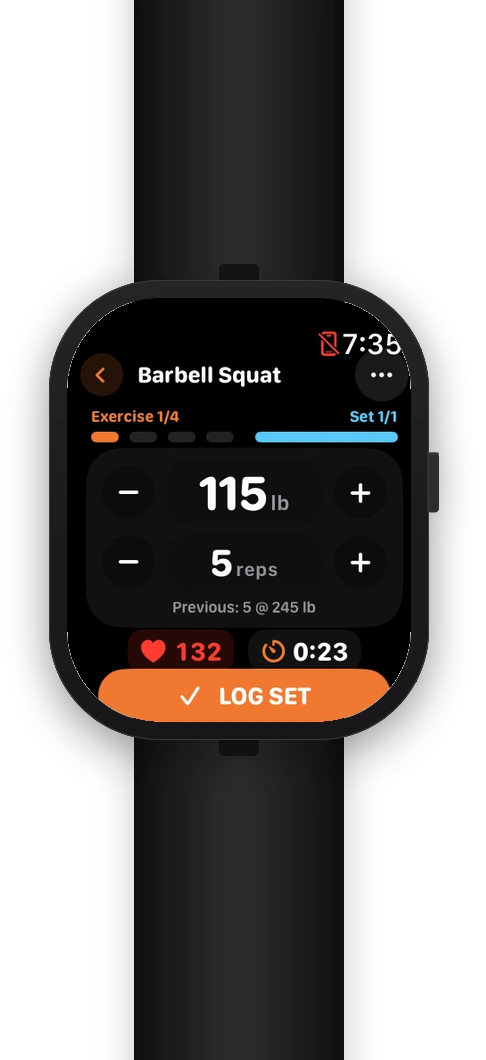
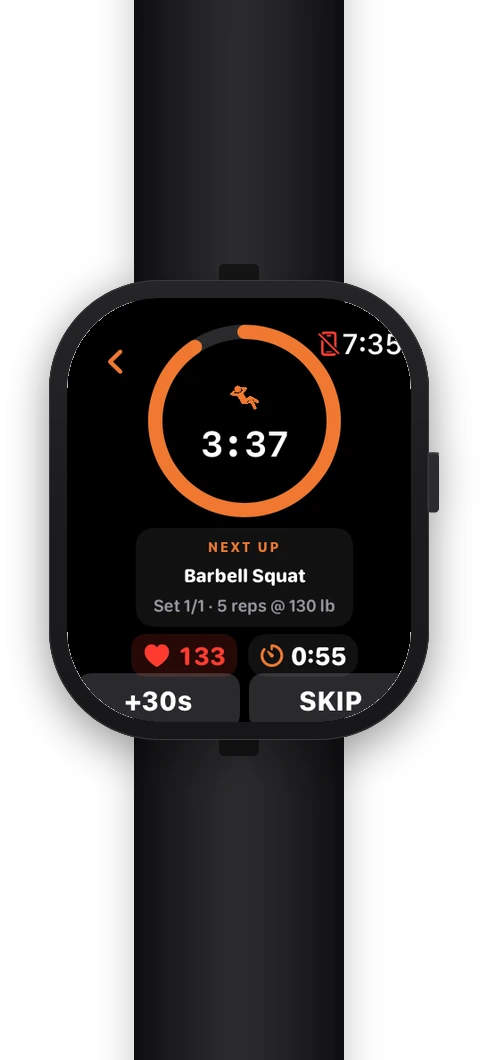
Try set logging from the wrist. Start a workout on iPhone, then use the watch for the sets and rest timer.
Download Massiv →The best Apple Watch lifting app is the one that lets your phone stay in your bag: log the set, spin the crown, feel the buzz when rest is up, repeat. Judge any app by that workflow — the rest is marketing.