 MASSIV

01
Log faster
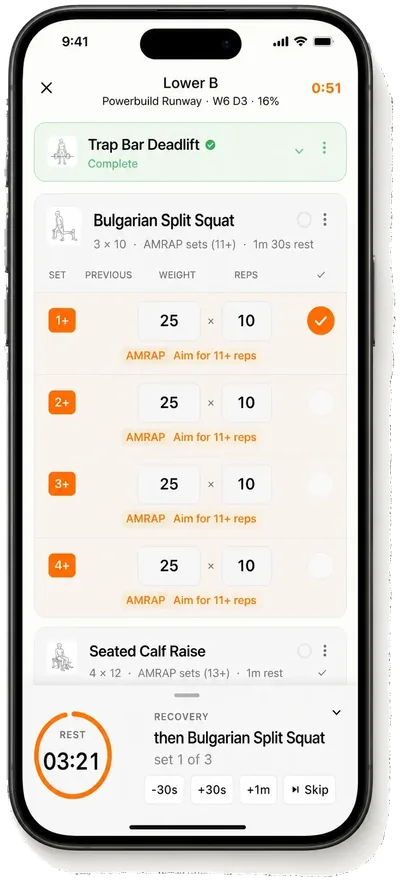
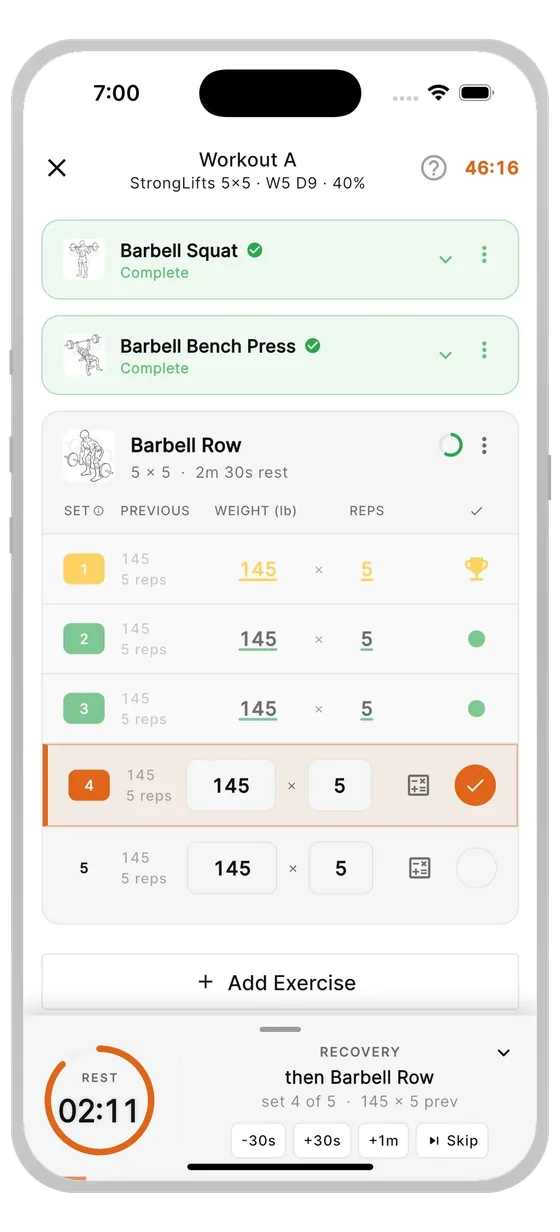
Know the next set. Massiv carries your previous numbers forward, keeps edits close, and starts the rest timer automatically after each working set.
- One-tap confirm
- Ghosted previous values
- Auto rest timers
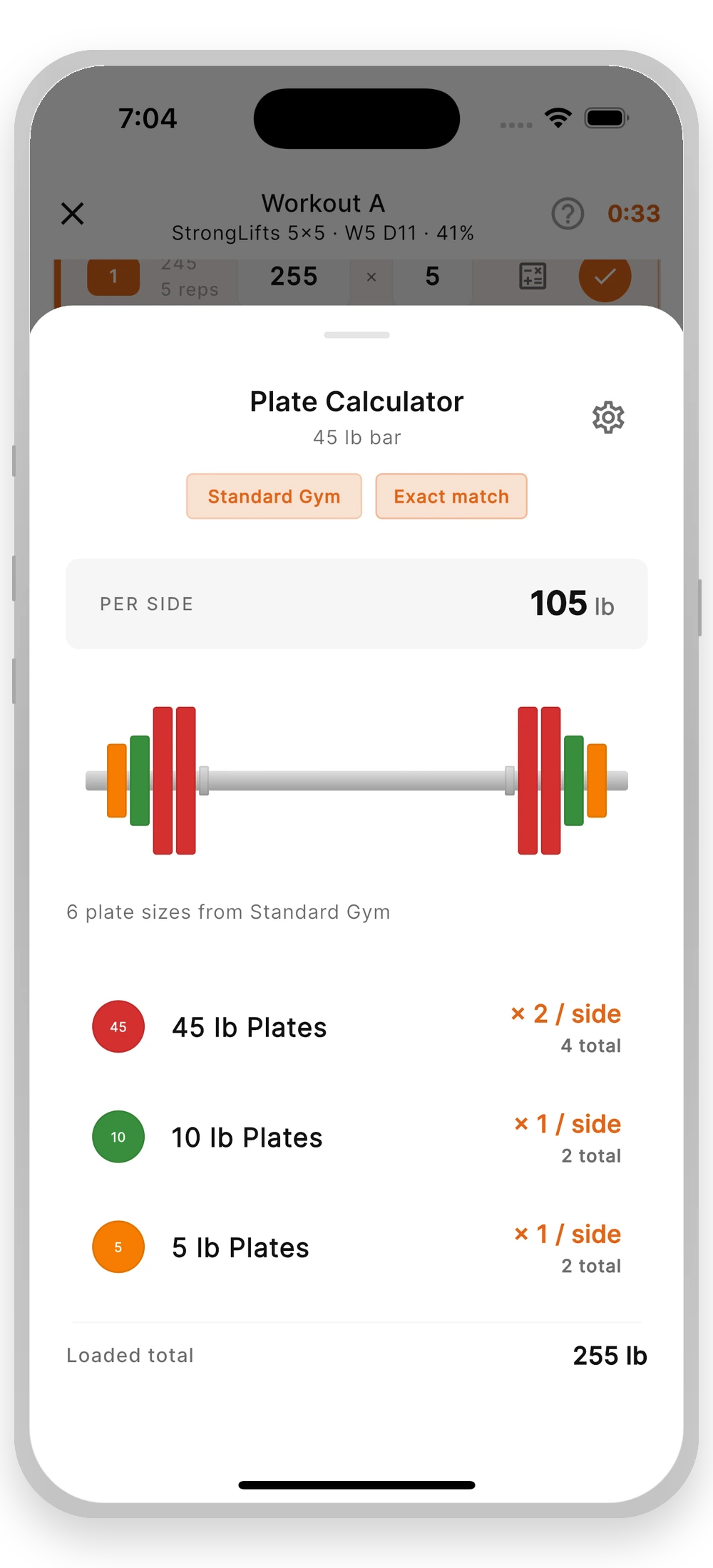
- Plate calculator
NOW ON IPHONE, ANDROID, APPLE WATCH & WEAR OS
Massiv is a gym workout tracker app that runs real strength programs for you — not blank templates. Log sets faster, progress with clear targets, and keep the workout moving between sets.
17 built-in programs · Weights you can actually load · Apple Watch & Wear OS · Imports from Strong, Hevy, Fitbod, StrongLifts, FitNotes & Jefit
QUIET BY DESIGN
Massiv keeps the gym calm and clear: today's session, your numbers, and the next set. A real program, not an empty tracker.
Your workout stays private, your progress stays understandable, and your attention stays on the set in front of you.
WHY IT WORKS
01
Know the next set. Massiv carries your previous numbers forward, keeps edits close, and starts the rest timer automatically after each working set.
02
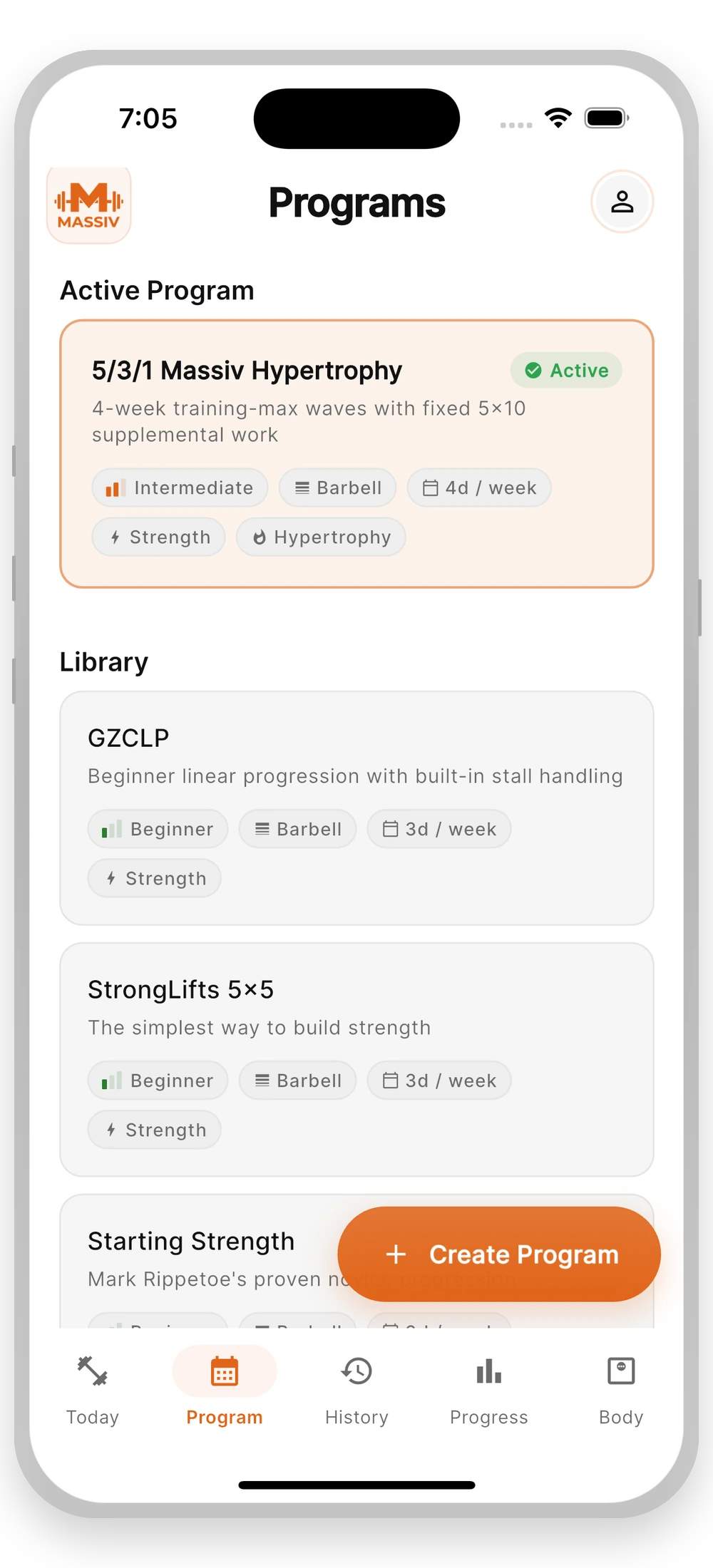
Start with proven templates like 5/3/1, GZCLP, PHUL, and wave-based strength blocks. Massiv handles the weight jumps, deloads, and next-week targets while you keep the plan moving.
03
No social feed. No leaderboard. No AI guesswork. Every screen points back to the work: what to lift, when to rest, and what changed since last time.
04
Every suggestion is a rule firing on your data. Progress you can inspect, reproduce, and trust — no opaque AI black boxes. Try the same math in the free 1RM calculator and 5/3/1 calculator.
05
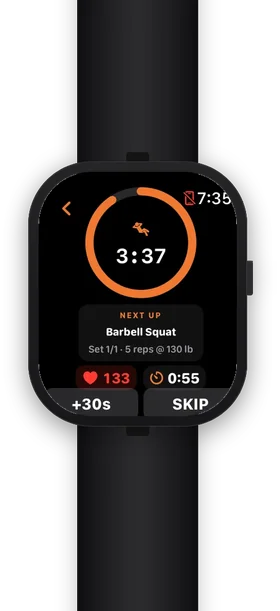
Log from your wrist, feel rest alerts as haptics, and keep the timer visible from the lock screen. Apple Watch and Wear OS are built into the training flow.
ON THE WRIST
Use the wrist. Keep the workout moving.
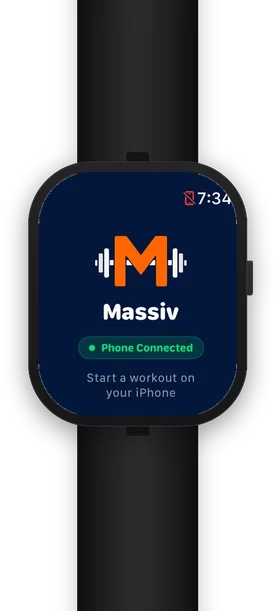
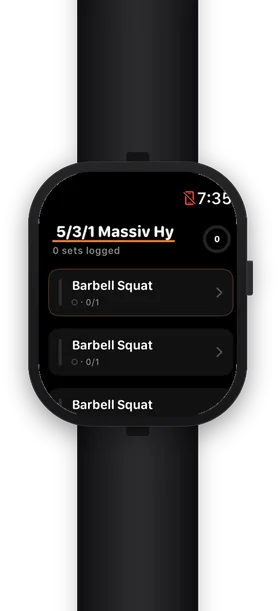
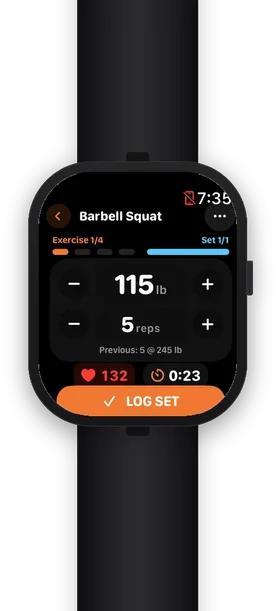
Log sets and run the rest timer from Apple Watch or Wear OS with haptic alerts. iOS Live Activity and Android's promoted notification keep the countdown visible on the lock screen — even with the phone face down on a bench.
Start on your phone, then log each set on the watch even if the connection drops. See the Apple Watch logging guide or the Wear OS logging guide for the actual screens and limits.
THE LIBRARY
Choose a proven template and Massiv fills in the work: target weights, rep goals, deloads, and changes for the next session. Deterministic programs mean deterministic progress: clear rules, predictable adjustments, and a plan you can trust.
Training styles
Strength, hypertrophy, powerbuilding
Progression handled
Weight jumps, deloads, and next-session targets
Who it is for
Intermediate lifters who want clear, focused structure
Start with the four-day dumbbell guide, compare original GZCLP with Massiv's simplified plan, or explore all 17 built-in programs.
HOW IT WORKS
Massiv uses your program, current numbers, and equipment list to choose the next target. Plate math adjusts barbell work to what you can actually load.
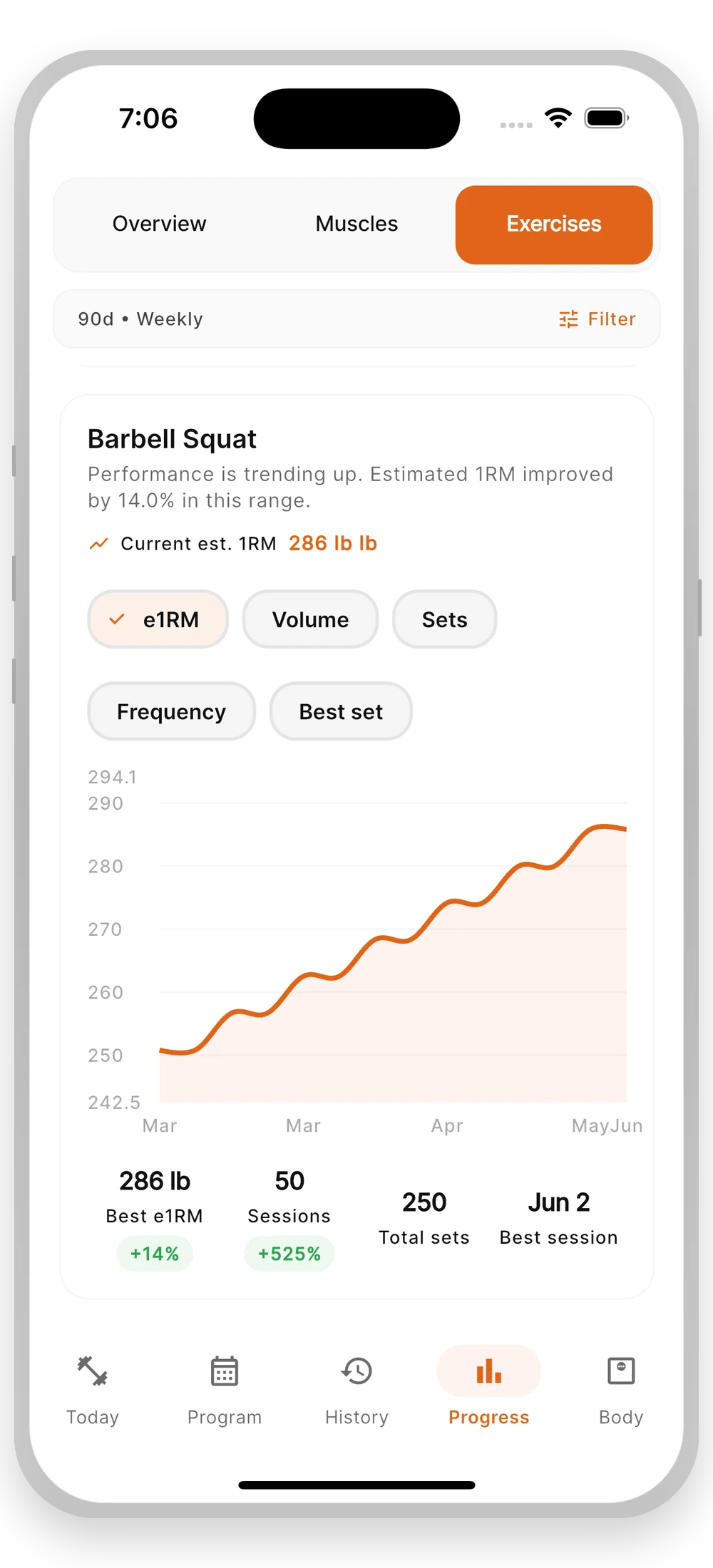
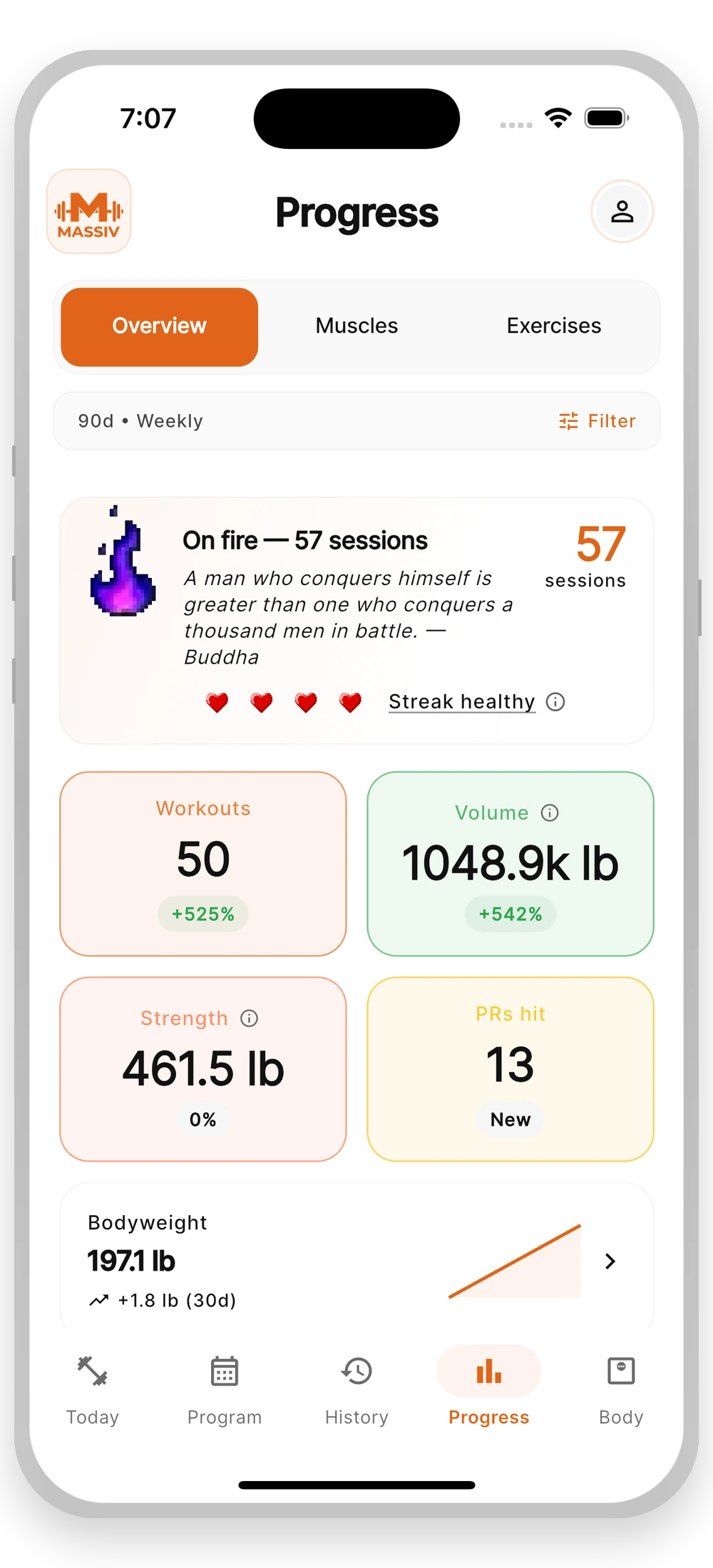
Heavy singles, rep PRs, and higher-rep sets all count toward your strength trend. Massiv handles the estimates and shows progress in a way that is easy to read.
Massiv reviews recent sessions before suggesting a training max change. Rough days, missed reps, and standout PRs stay in context, and you stay in control of every adjustment.
Run the rest timer from your phone or watch, get an alert when it is time to lift, and keep the countdown visible while your phone rests between sets.
WHAT'S IN THE BOX
17 built-in programs with progression handled
Apple Watch & Wear OS companion flow
iOS Live Activity rest timer
Imports from 6 competitor apps
Weights that match your actual equipment
Clear rule-based progress notes
Full program builder
Body, measurement, and photo tracking
PRICING
Everything you need to run a program.
About $2.50 a month. Billed yearly.
No subscription. Pro access for the life of the app.
Monthly Pro is also available in the app for $4.99/month. Prices shown are U.S. reference prices; your store displays the final local price. The 30-day automatic-progression preview never starts a subscription or bills you automatically.
BEFORE YOU ASK